Documentation Index
Fetch the complete documentation index at: https://domoinc-arun-raj-connectors-domo-480626-update-new-field-mi.mintlify.app/llms.txt
Use this file to discover all available pages before exploring further.
Note: Dashboard is the term for the section of the Domo interface where you can organize and view your cards. It replaces the term Page.
Intro
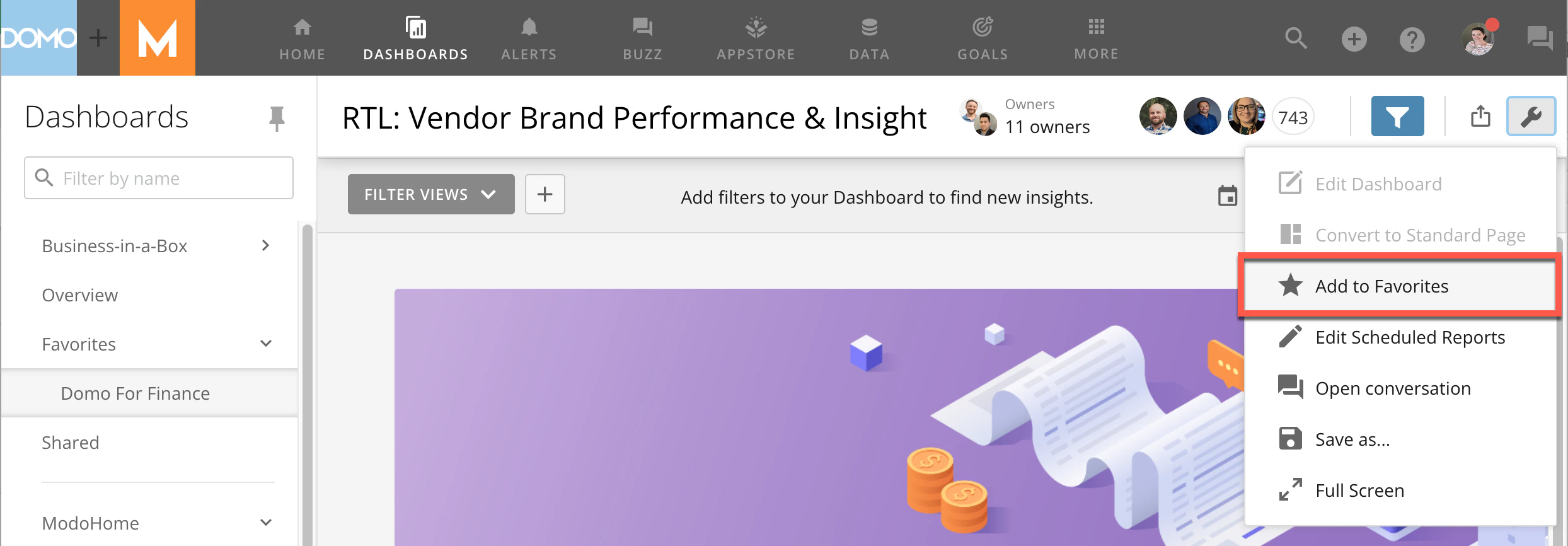
When you add dashboards as favorites, you can access them by going to the Favorites menu in the left side rail.Adding a Dashboard as a Favorite
- Open the dashboard you want to add as a favorite.
-
Select
 Dashboard Options.
- Select
 Add to Favorites.